
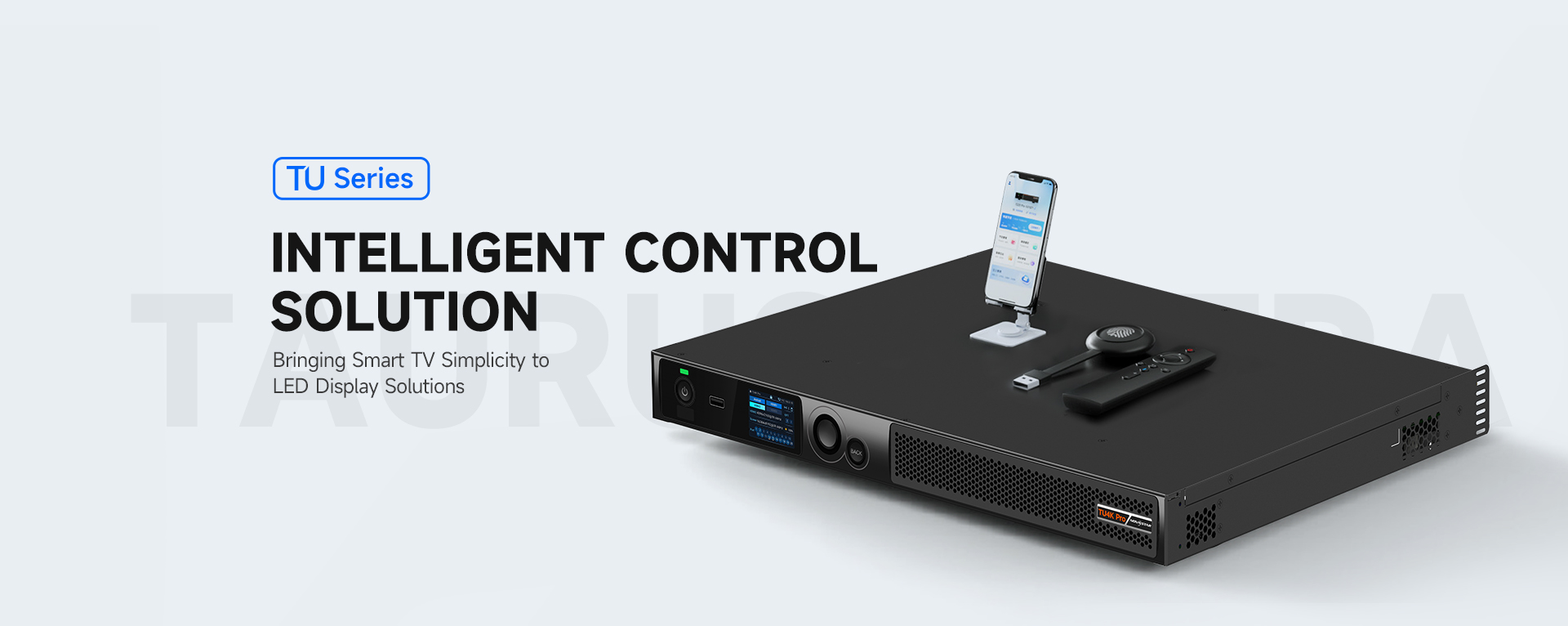
Intelligent Configuration
Quick and Effective
1 Mobile Phone, 1 APP, 10 Minutes, can Quickly Complete Configuration

Automatically identify, obtain and issue the receiving card program and configuration file, easy to activate the screen, quick and flexible
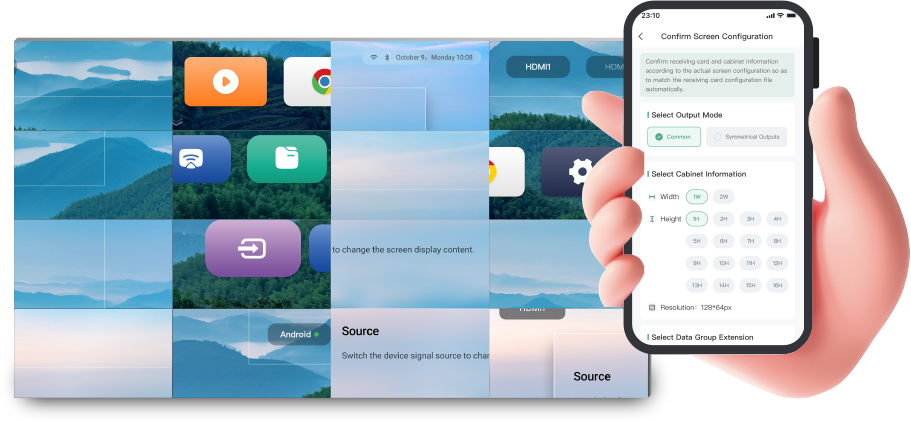

With NovaStar’s self-developed algorithm, which could support offline recognition, screen connecting within 5s, stable and efficient.
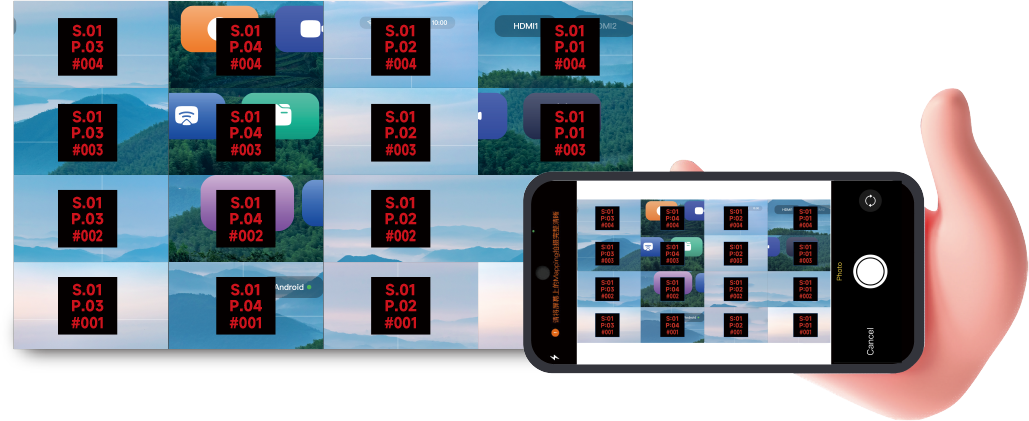

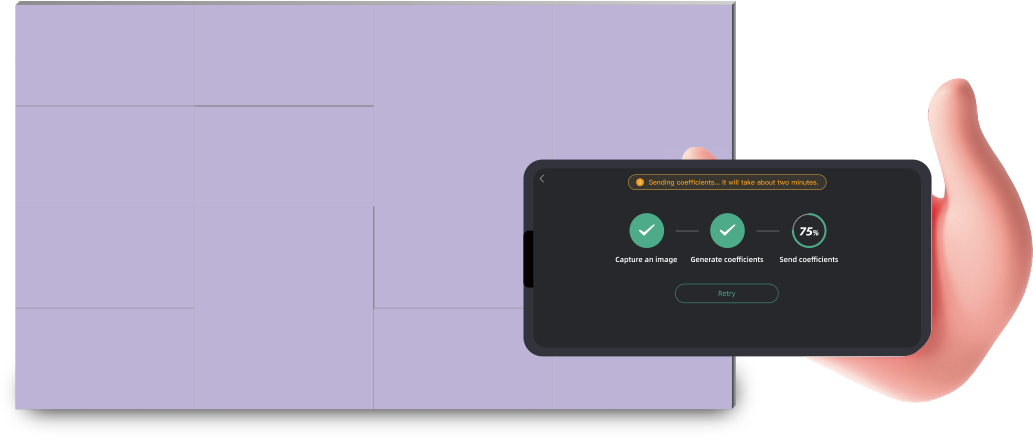
Don’t need professional camera, just photo capture by your phone,eliminates the lines automatically completes the full-screen accurate calibration, and the efficiency is significantly improved.
Extreme Experience
Smooth and Easy
All-new Interaction Friendly Experience
-
All-new smooth interaction design.
Simple and easy operation interface.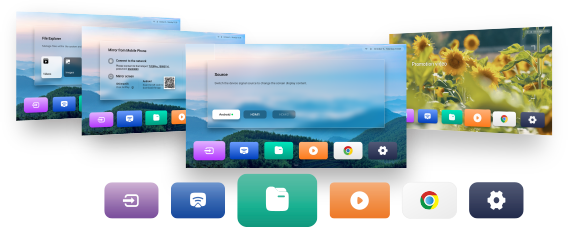
-
New touch assistance,
OSD menu one-click call, and other rich functions.
Bring the new experience to users.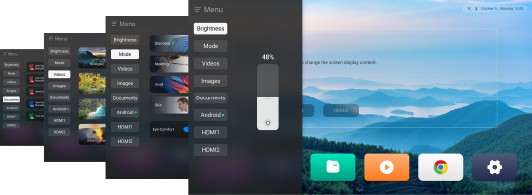
Control & Play, All by Simple Touch
-

USB Drive Mode
Plug and play the USB driver, simplify the display and control.
-

Remote Control Mode
Support program storage, convenient on-demand display.
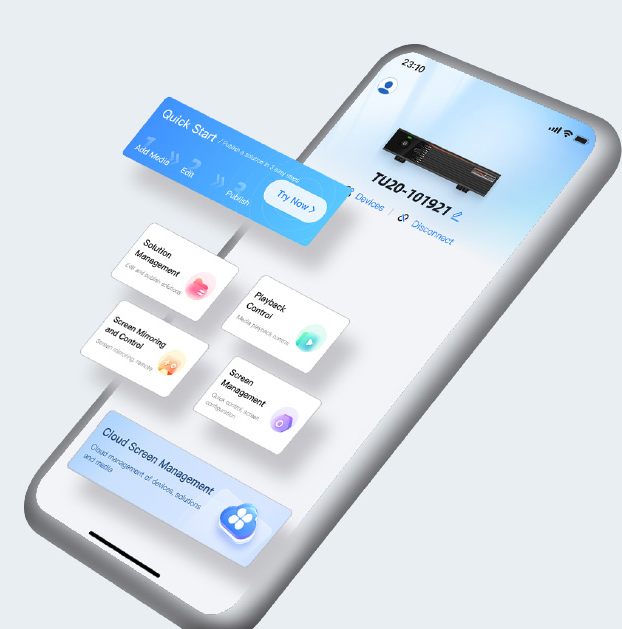
VNNOX Media Mode
Broadcast Management:
Support fast production of programs, convenient broadcast control in anytime and anywhere.
Mirroring Interactive:
Support pictures, videos, documents and other via mobile phone mirroring or screen sharing and a series of advanced functions, mobile phone can be used as a remote control, which brings convenient and intelligent.
Cloud-based Screen Management:
Support one-click program publish via cloud, long distance control, easy to get started, calmly cope with a variety of application scenarios.
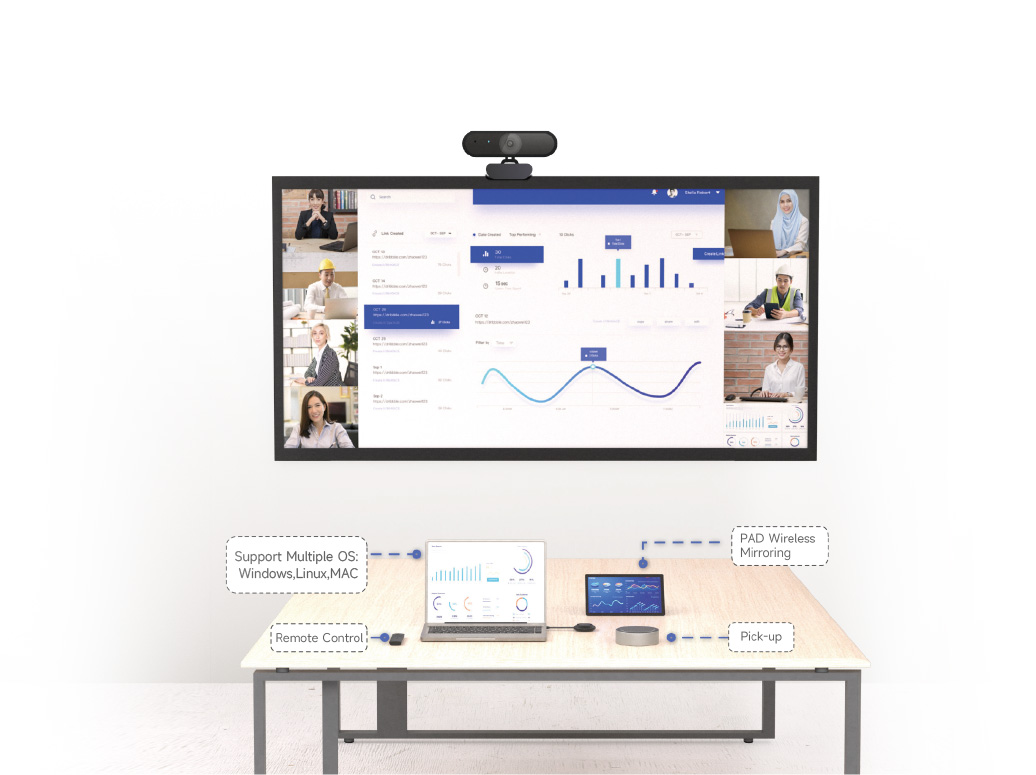
Wireless Mirroring,
Consistent Display
• Multiple mirroring mode, easy to connect.
• High stability, stay online more than 72 hours.
• Smooth display, less than 80ms latency.
• 9 split screen display, more efficient screen mirroring.
Full Operation and Maintenance
Full Angle Monitoring
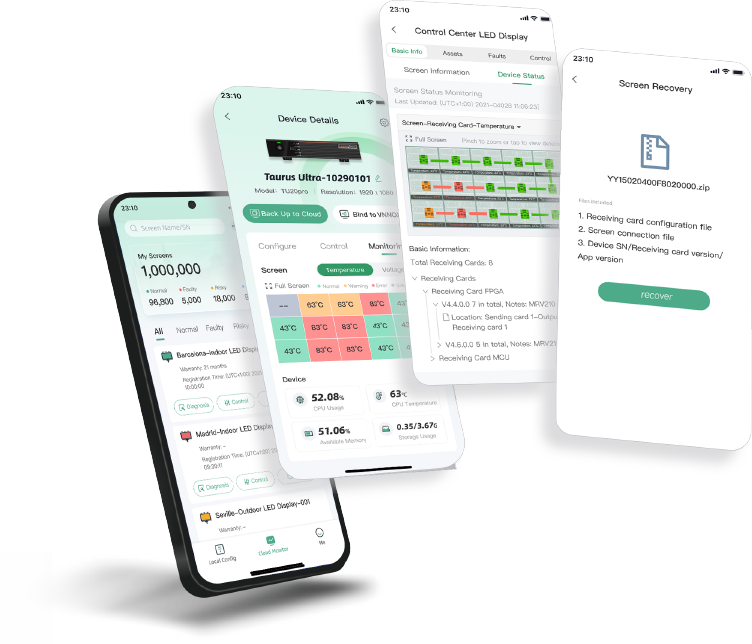
OPS and Monitoring, Anytime and Anywhere
Screen operating status 7×24 hours real-time monitoring, pre-warning of the potential risk.
Troubleshooting, Faster & Accurate
Provide fault alarms, diagnosis, and locate the issue in time.
Cloud backup, One-click Recovery
The configuration files are backed up to the cloud. When a fault occurs, the configuration files can be recovered with one click, improving the efficiency of after-sales maintenance.
Software and Hardware
Powered by Innovation
Rich interface, more flexible expansion, to meet the needs of users in different scenarios, at the same time has a perfect software ecosystem, support Tencent Meeting, Zoom, Teams and other mainstream conference software. Software and hardware collaboration brings a truly easy to use and efficient interconnection of the whole scene experience.


